New in calibre 9.0
Welcome back, calibre users. It has been almost a year since calibre 8.0 was released. As usual, there has been a lot of work on calibre over the past year. The main new features are a new Bookshelf view that allows you to browse your book collection as though they were paper books sitting on book shelves and the addition of opt-in AI features to some parts of calibre.
-
The Bookshelf view
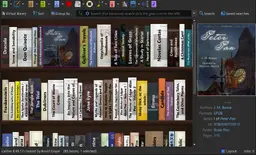
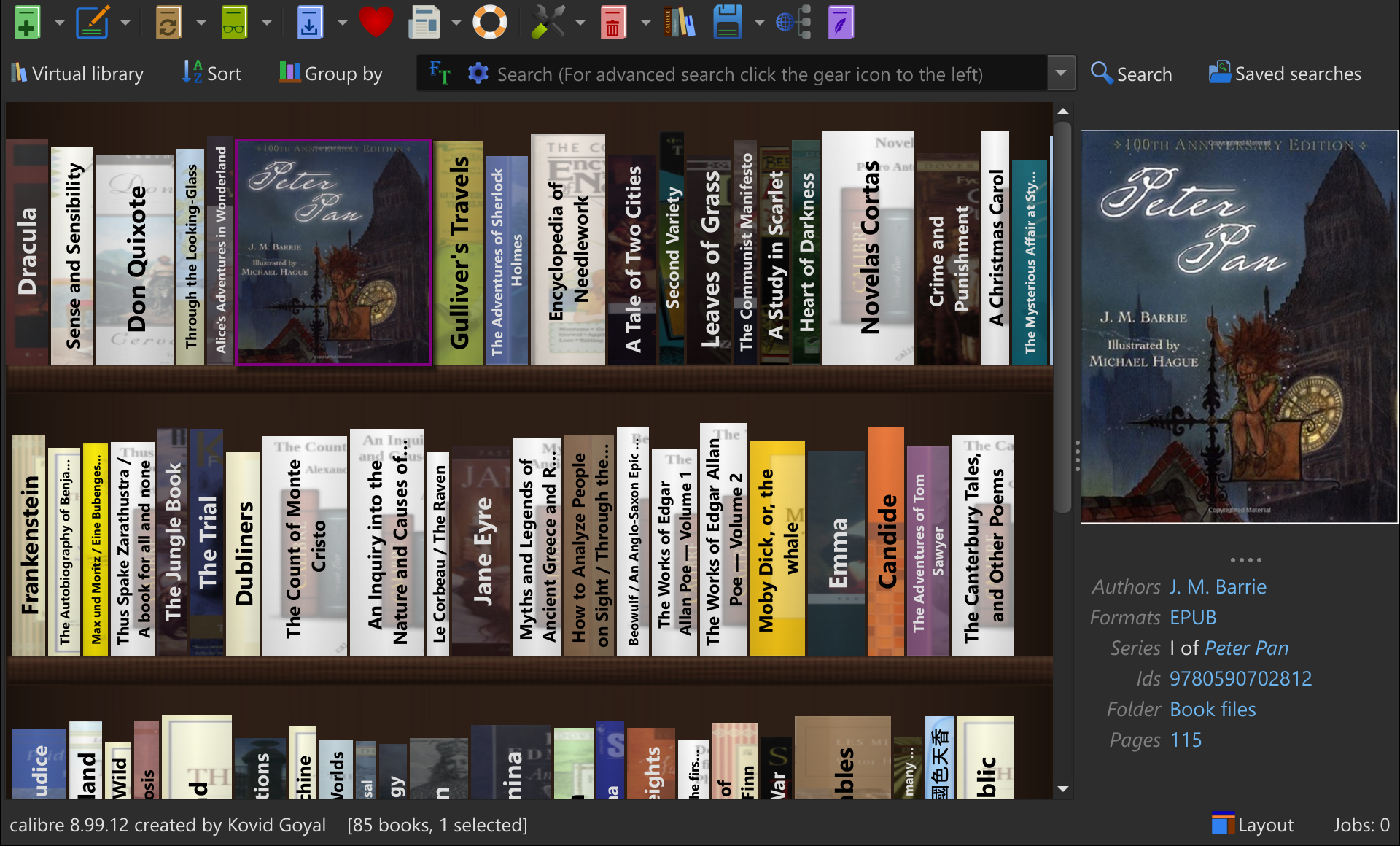
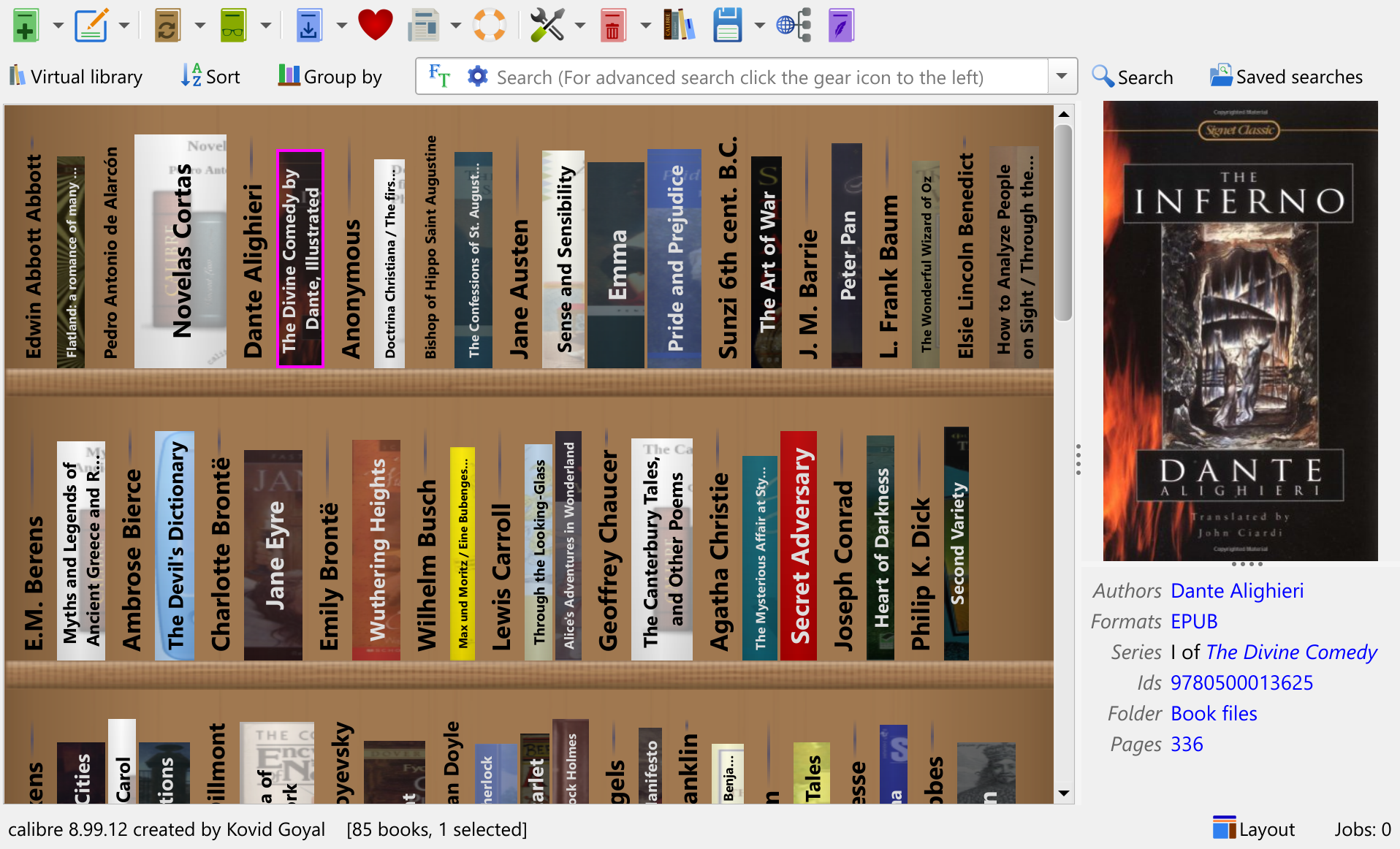
A new Bookshelf view shows your calibre library as rows of books on shelves. You can group the books by Authors/Series/etc. for convenient browsing. Hovering over the spine of a book shows the full book cover.
The new view can be accessed by clicking the Layout button in the bottom right corner of the calibre window. You can group the books on the shelves by clicking the Group by button that appears to the left of the search bar when the Bookshelf view is active.
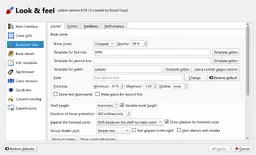
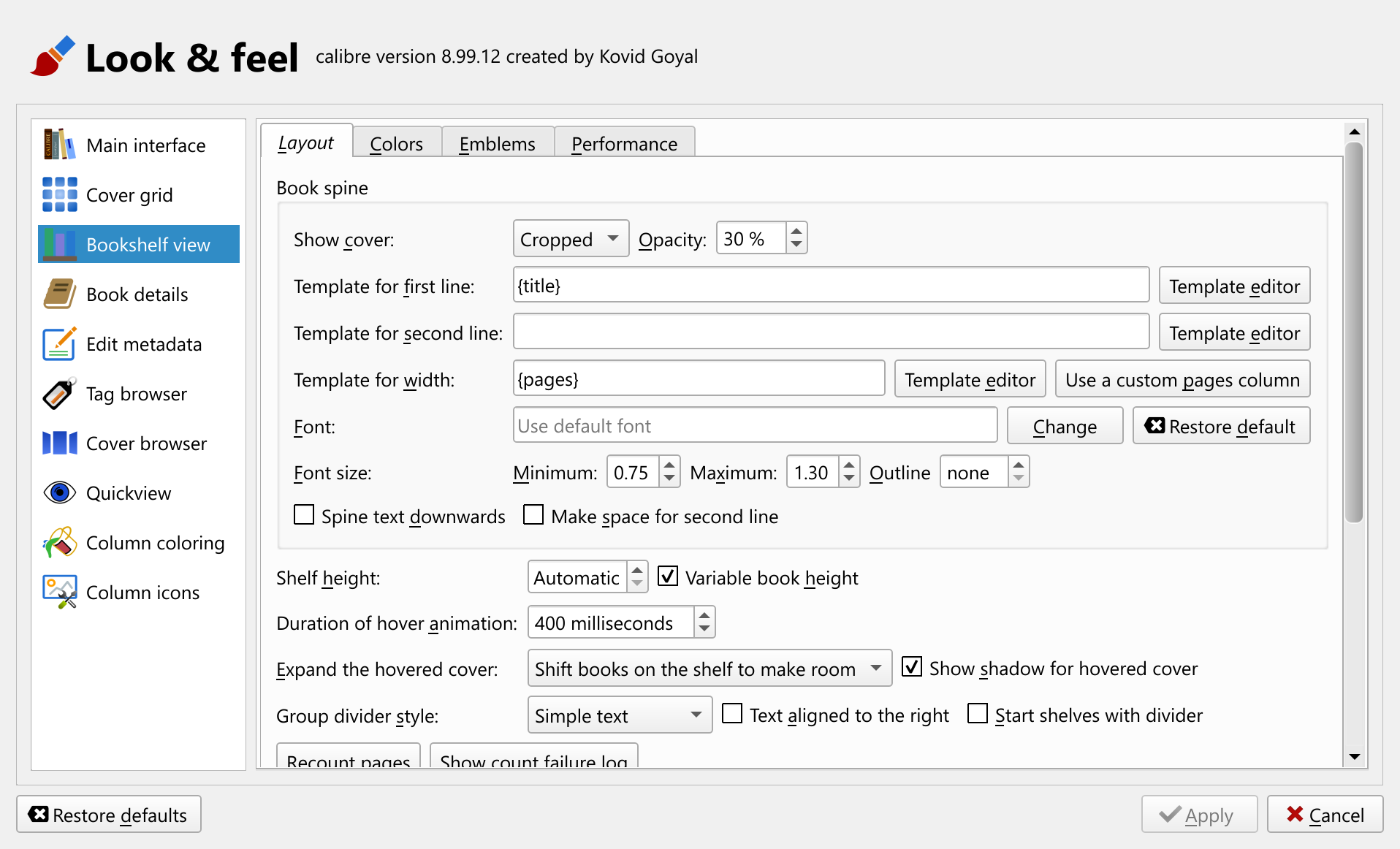
In fine calibre tradition, the new view is highly customisable so you can configure it to look just how you like. Everything from the font used for spines to how cover thumbnails are displayed on the spine is configurable. By default, the thickness of the books is calculated based on a new builtin Pages column, but if you prefer to use another column, you can do so as well. The new builtin column is automatically maintained once you activate the bookshelf view and uses a content based estimate of the number of pages in the book.

-
Discuss books with AI
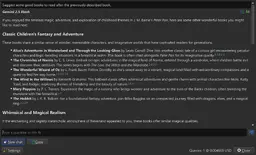
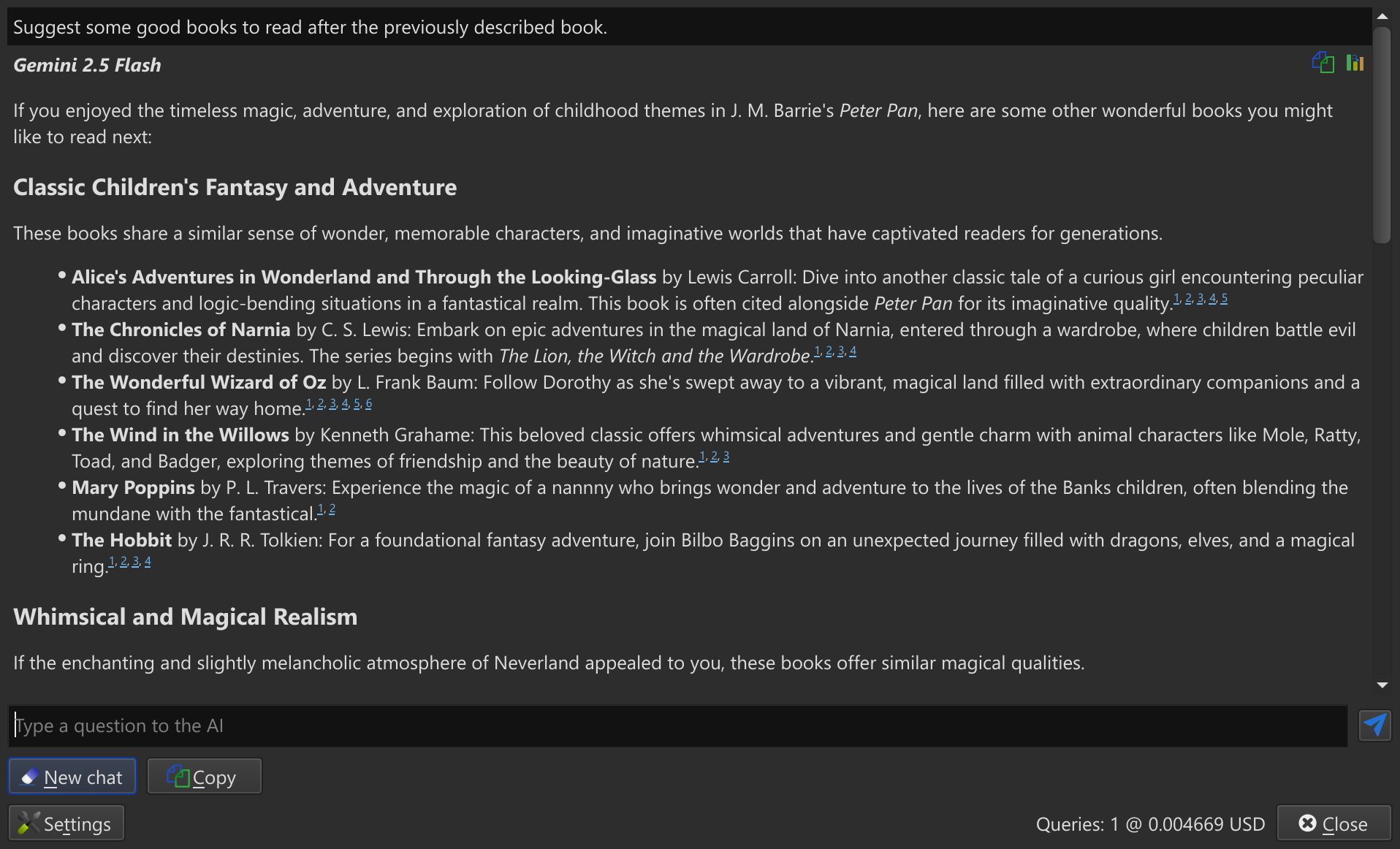
You can now discuss books with AI, asking for what to read next or asking AI questions about the book and related material. Simply right click on a book, choose, Similar books and Ask AI what to read next.
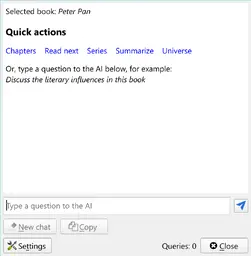
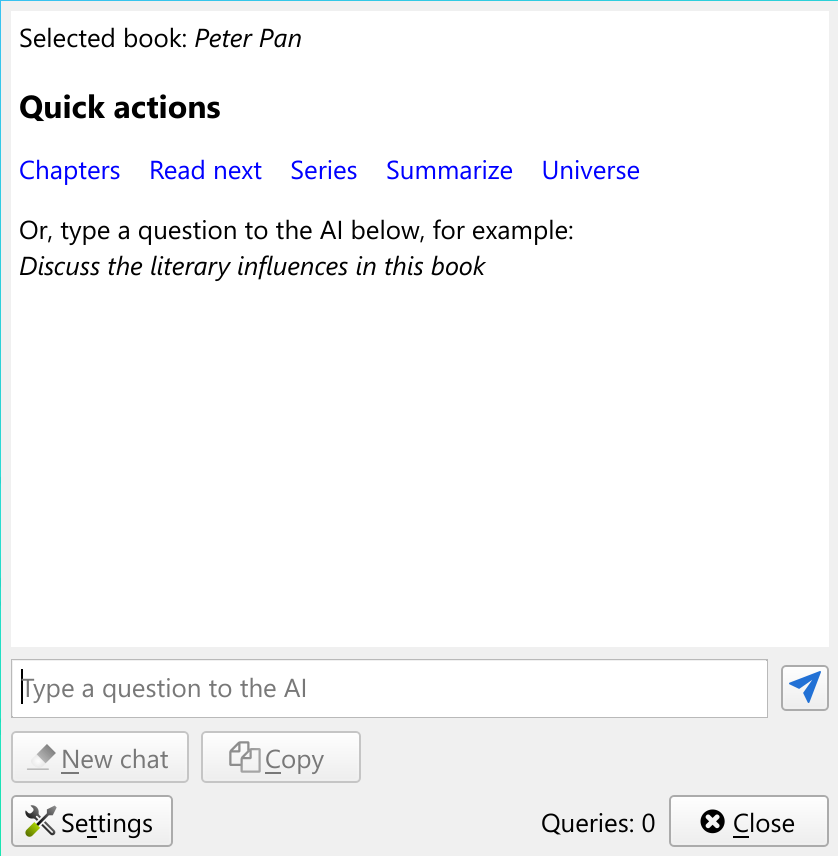
If you want to ask the AI more general questions, right click the View button and choose Discuss selected book with AI.
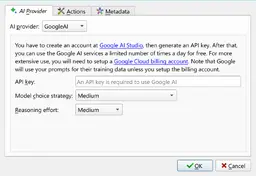
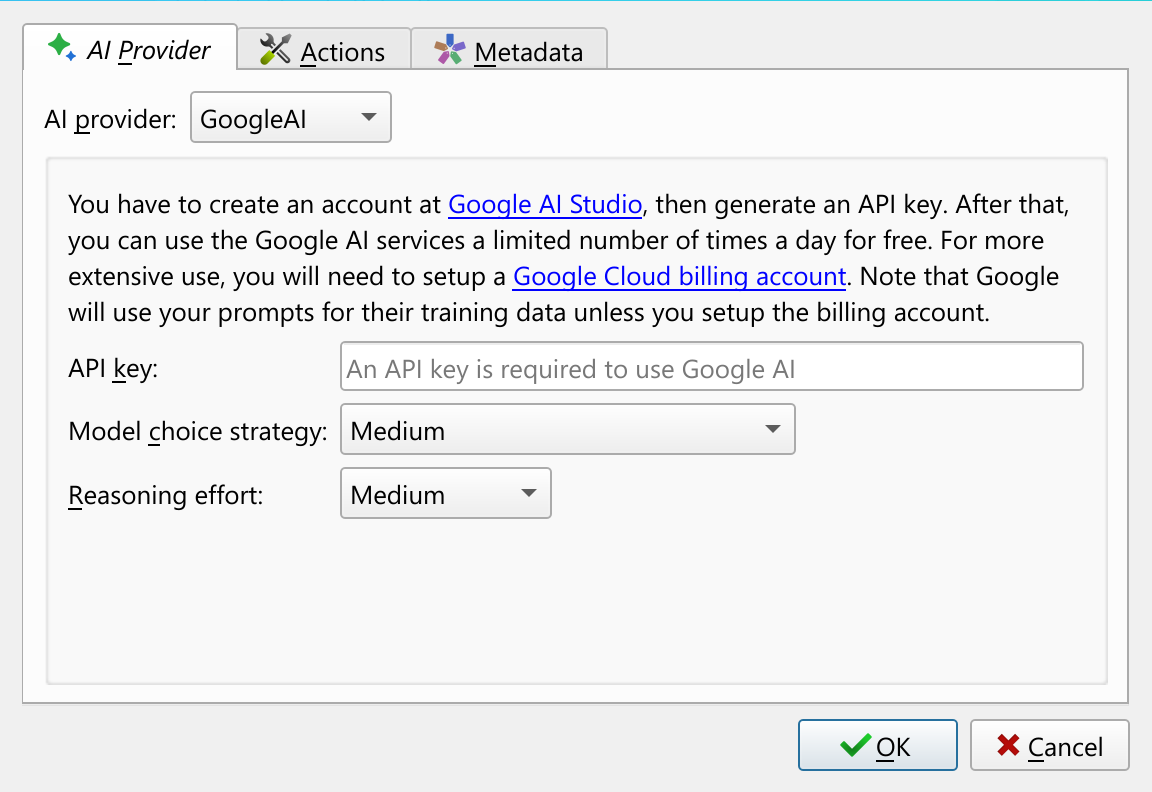
All AI features in calibre are completely opt-in. You must first configure an AI provider before any AI related code is even loaded in calibre. calibre supports both cloud based and local-only AI providers. When you first try to use an AI feature, you will be asked to configure your AI provider and model.
-
Discussing books with AI while reading them
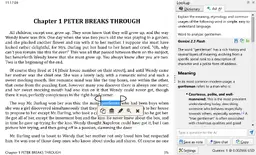
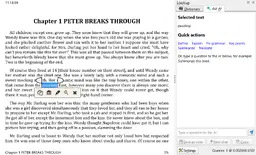
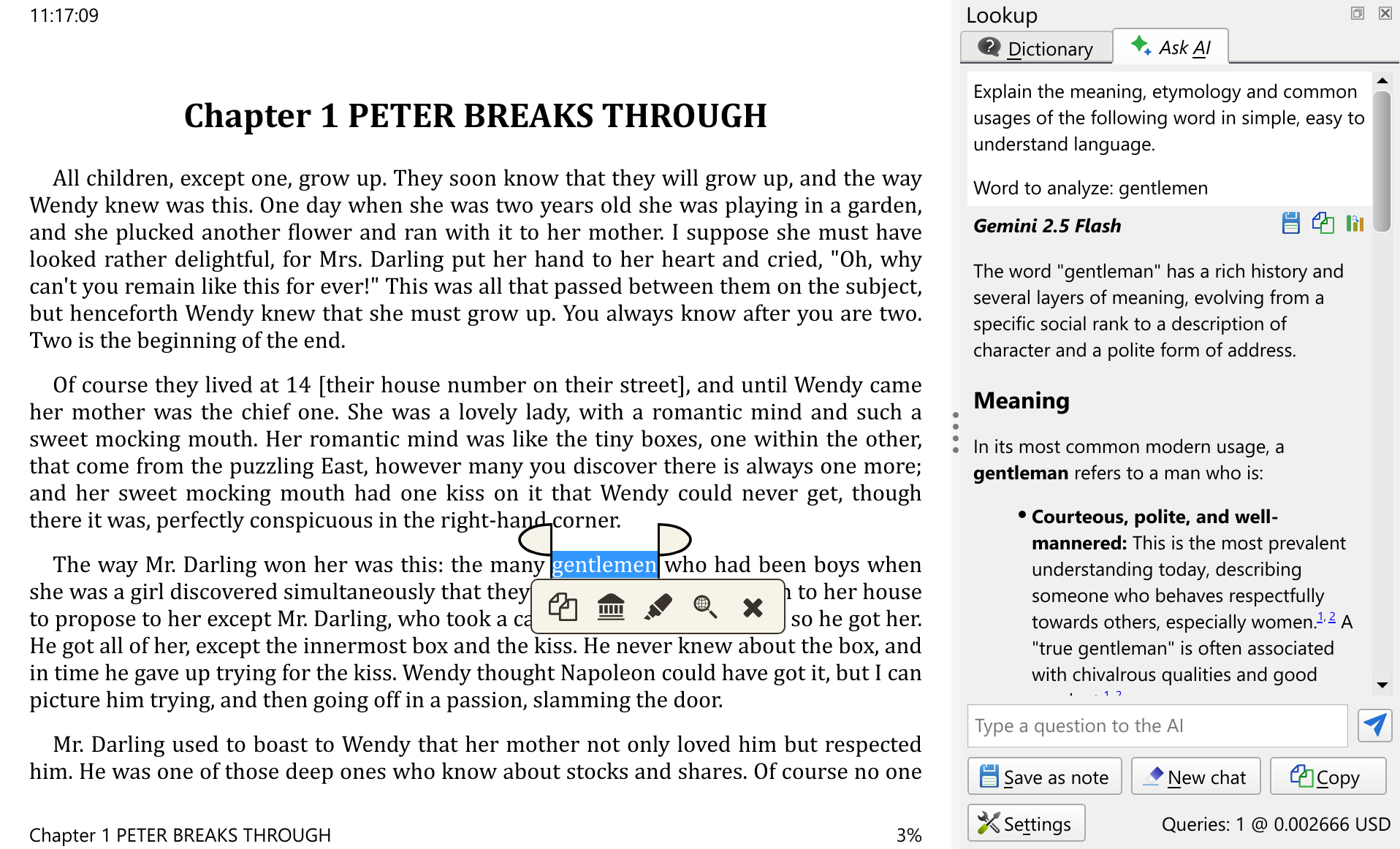
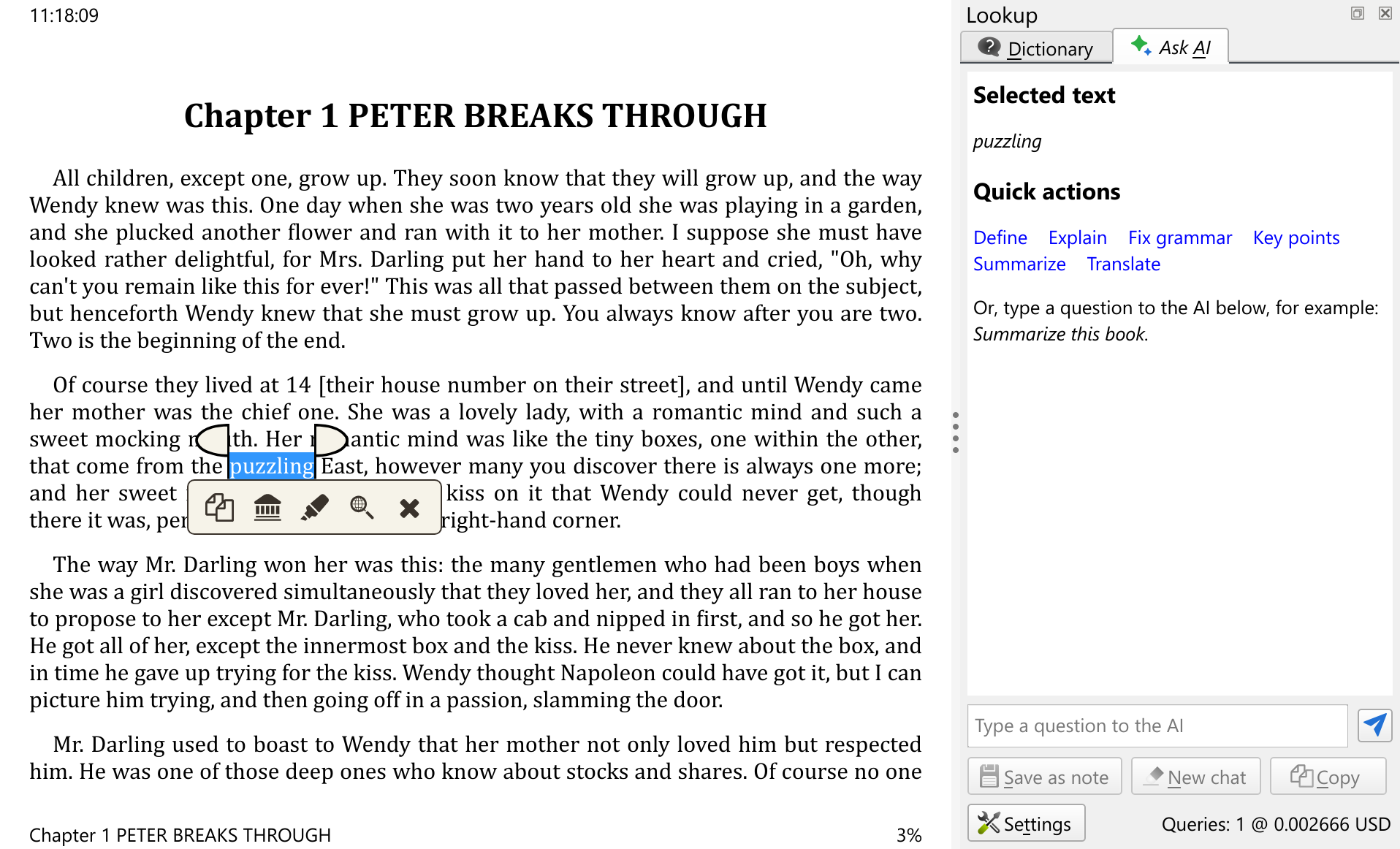
To complement the above AI feature of discussing books, the calibre E-book viewer has also gained AI integration. When you select some text in the viewer, you can optionally ask AI about that text in the context of the book you are currently reading. This is useful for explaining difficult words or concepts, asking for translations, summarising long passages, et cetera.
To use this feature in the E-book viewer, simply select some text, then click the lookup button on the pop-up toolbar and use the Ask AI tab to discuss your selected text with the AI.
This is an appropriate time to throw out a big thank you to the calibre community who have contributed selflessly of their energy and enthusiasm — without which many of the features above would never have seen the light of day.
Note that some of these features were actually introduced during the lifetime of the 8.x series. This document describes new features as compared to 8.0
See what was new in previous major calibre releases: 8.0, 7.0, 6.0, 5.0, 4.0, 3.0, 2.0, 1.0, 0.9, 0.8, 0.7.
 Contacting payment provider, please wait…