calibre 9.0の新機能
calibre ユーザーの皆様、お帰りなさい。calibre 8.0 からほぼ1年振りです。今回もこの間、calibreでは多くの作業を行ってきました。メインの新機能は本棚に紙の本を並べたようにコレクションを表示できる新しい本棚表示とcalibreのAIに対するオプトイン機能です。
-
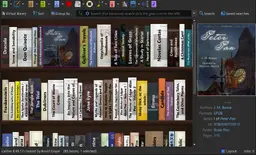
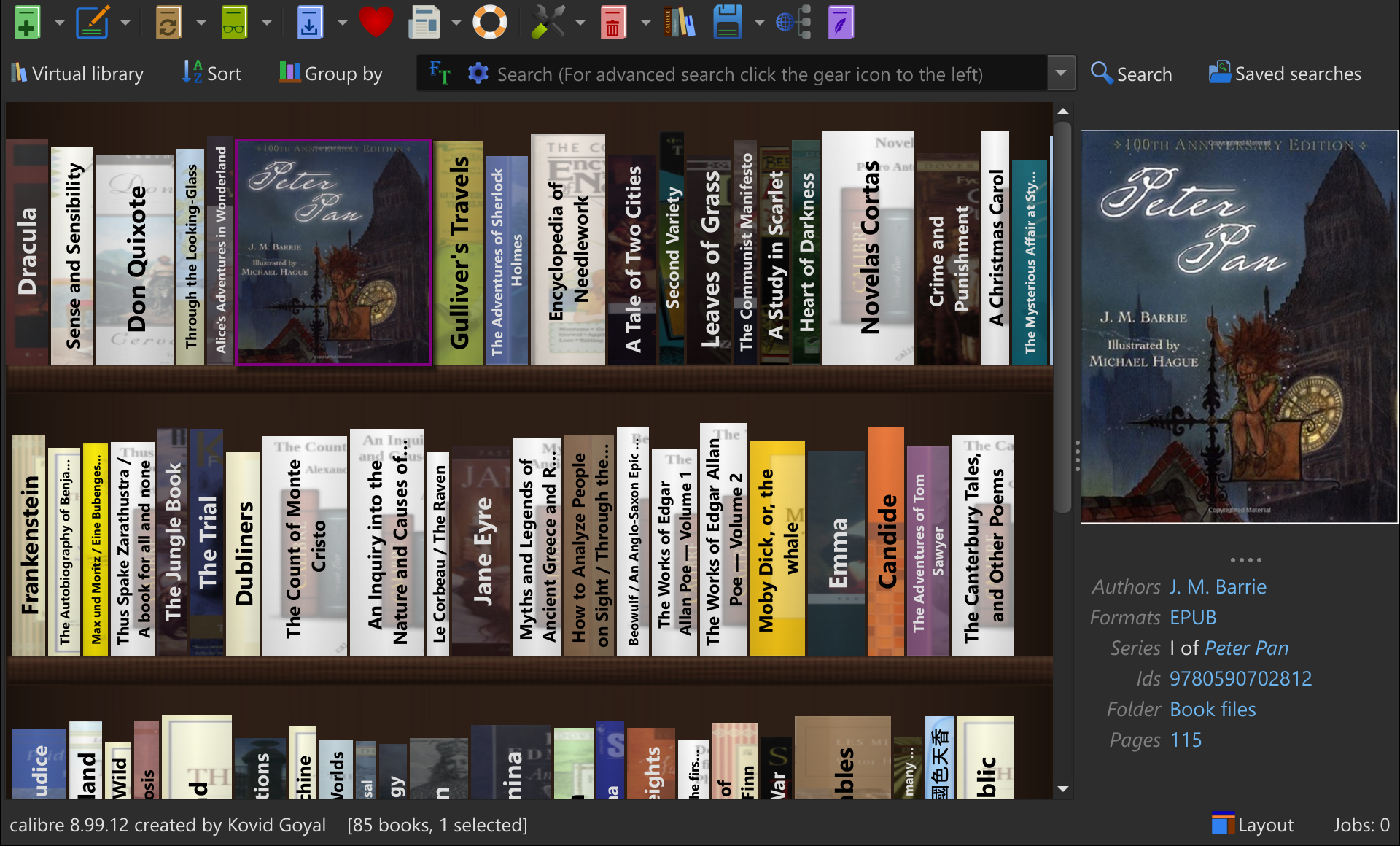
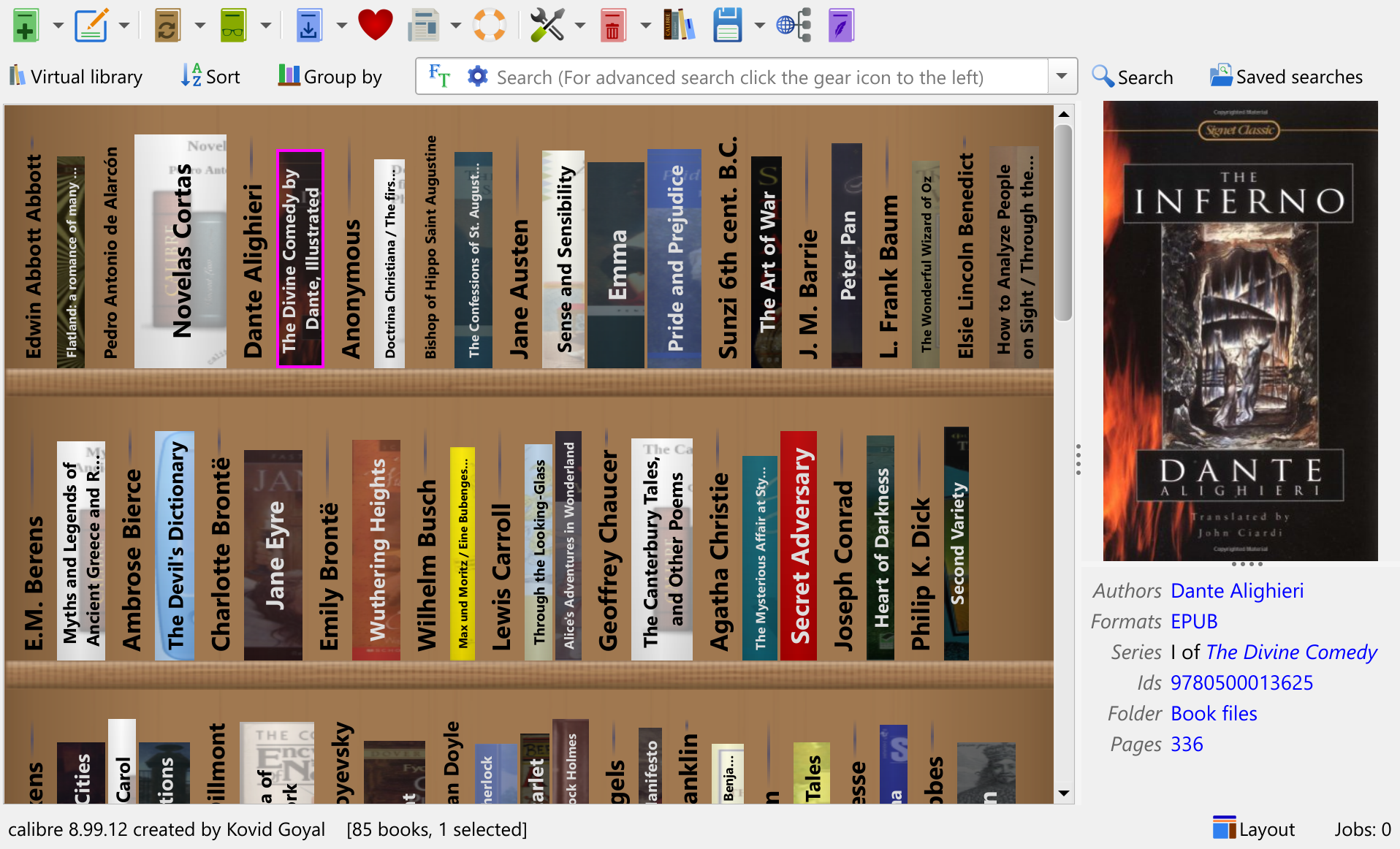
本棚ビュー
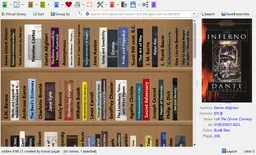
新しい本棚ビューでは、calibreライブラリが本棚に並んだ書籍の列として表示されます。著者、シリーズなど毎に本をグループ化して、簡単に閲覧できます。本の背表紙にマウスポインターを合わせると、本の表紙全体が表示されます。
新しいビューにアクセスするには、calibreウィンドウの右下にある レイアウト ボタンをクリックします。 本棚ビューがアクティブなときに検索バーの左側に表示される グループ化 ボタンをクリックすると、棚にある本をグループ化できます。
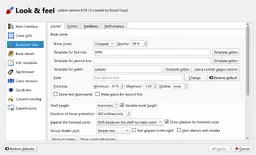
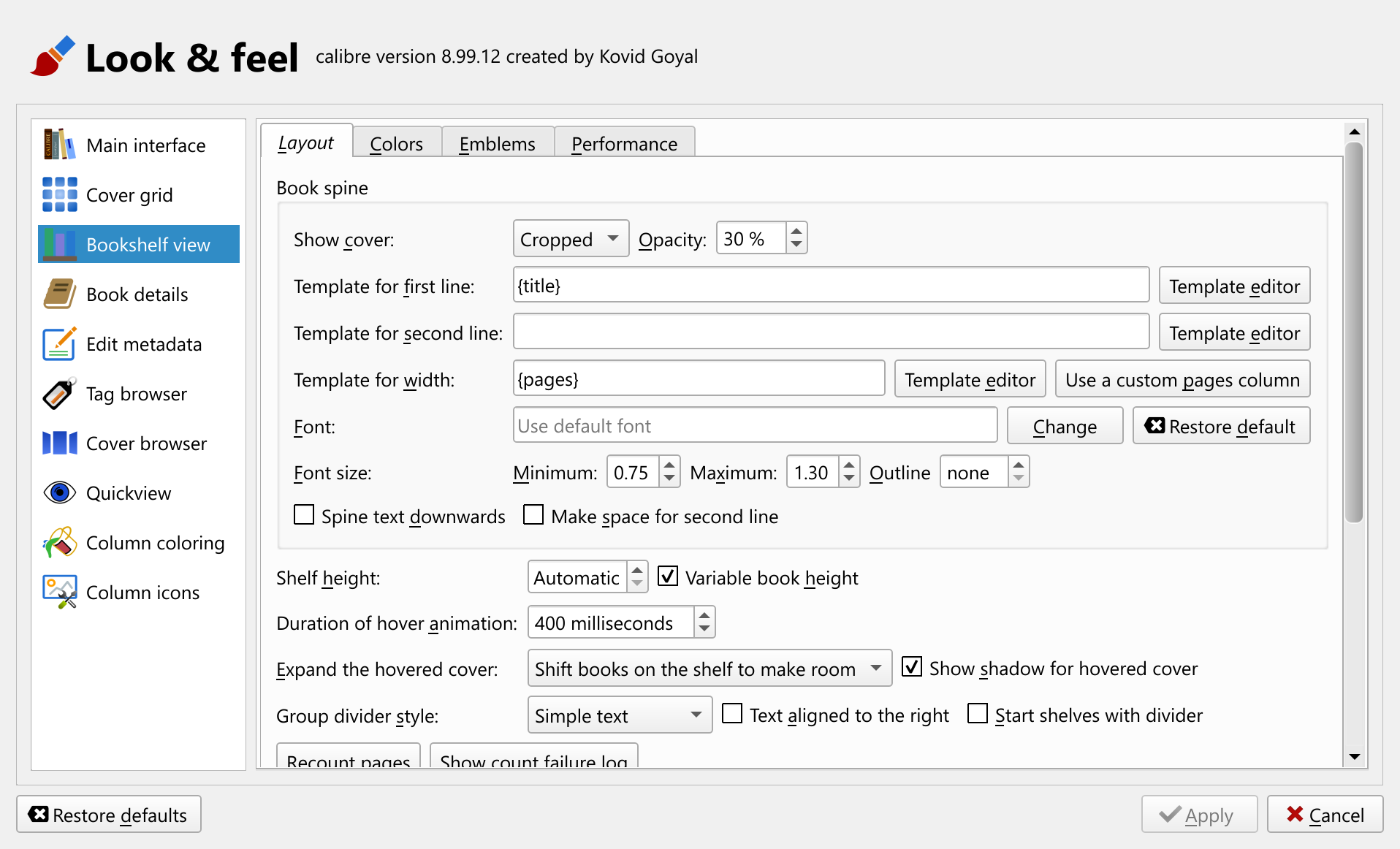
calibreの良き伝統に倣い、新しいビューは高度にカスタマイズ可能で、お好みに合わせて設定できます。背表紙のフォントから、表紙のサムネイルの表示方法まで、すべてが設定可能です。デフォルトでは、本の厚さは新しい組み込みのページ数列に基づいて計算されますが、別の列を使用したい場合は、その列を使用することもできます。新しい組み込み列は、本棚ビューを有効にすると自動的に維持され、本の内容に基づいてページ数を推定します。
-
AIと本を議論
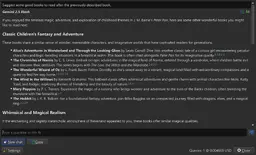
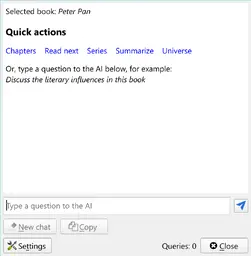
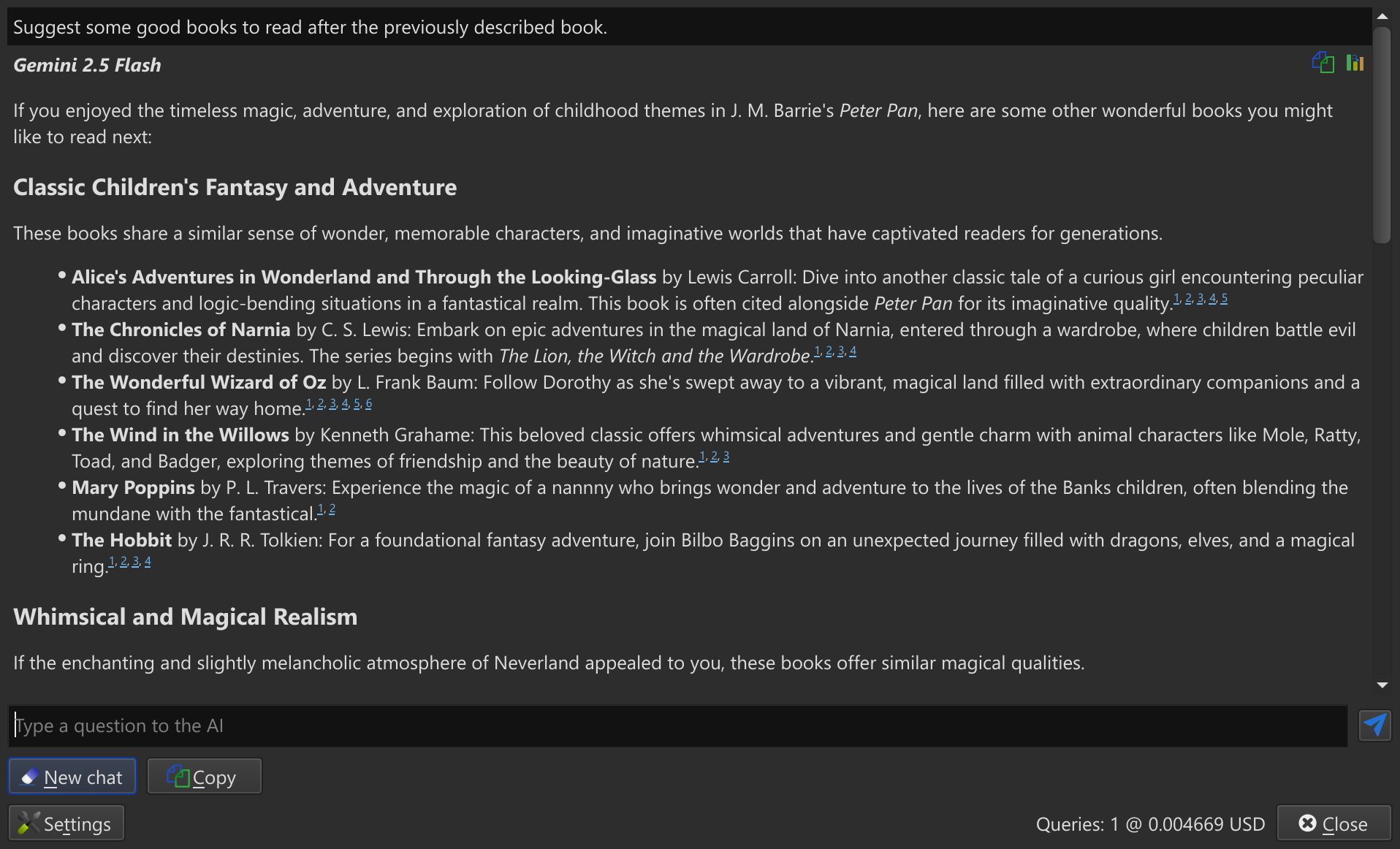
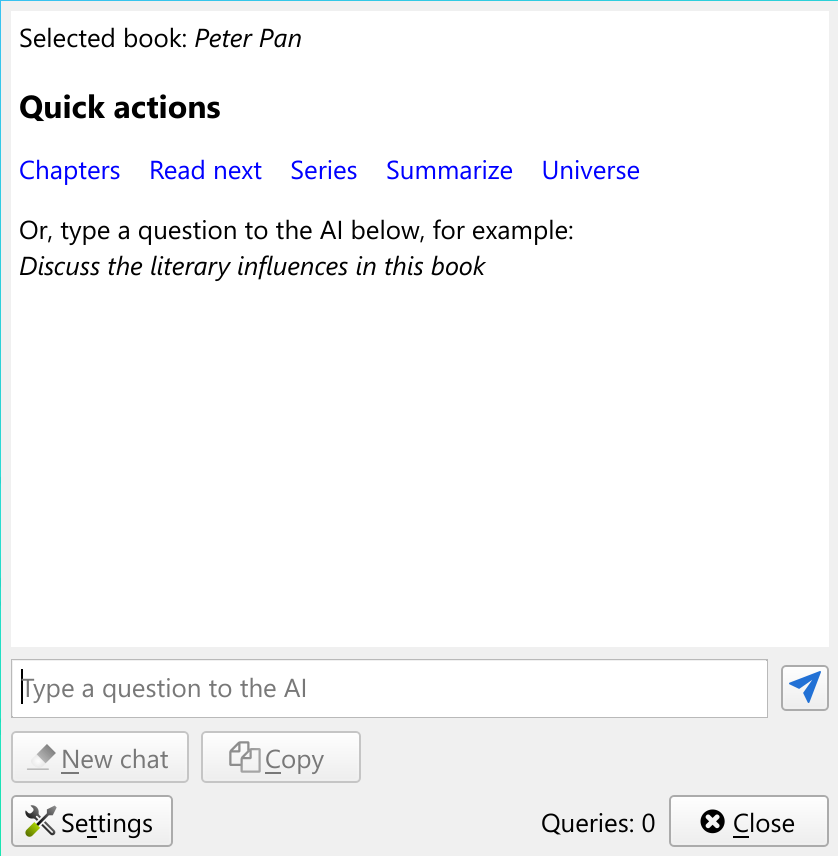
AIと本について話し合ったり、次に何を読むべきか尋ねたり、本や関連資料についてAIに質問したりできるようになりました。本を右クリックし、 類似の本 と AIに次に何を読むか尋ねる を選択するだけです。
AIにもっと一般的な質問をしたい場合は、表示ボタンを右クリックして選択した本についてAIと話し合うを選択します。
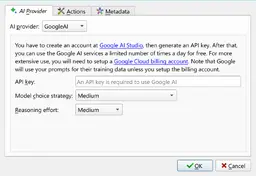
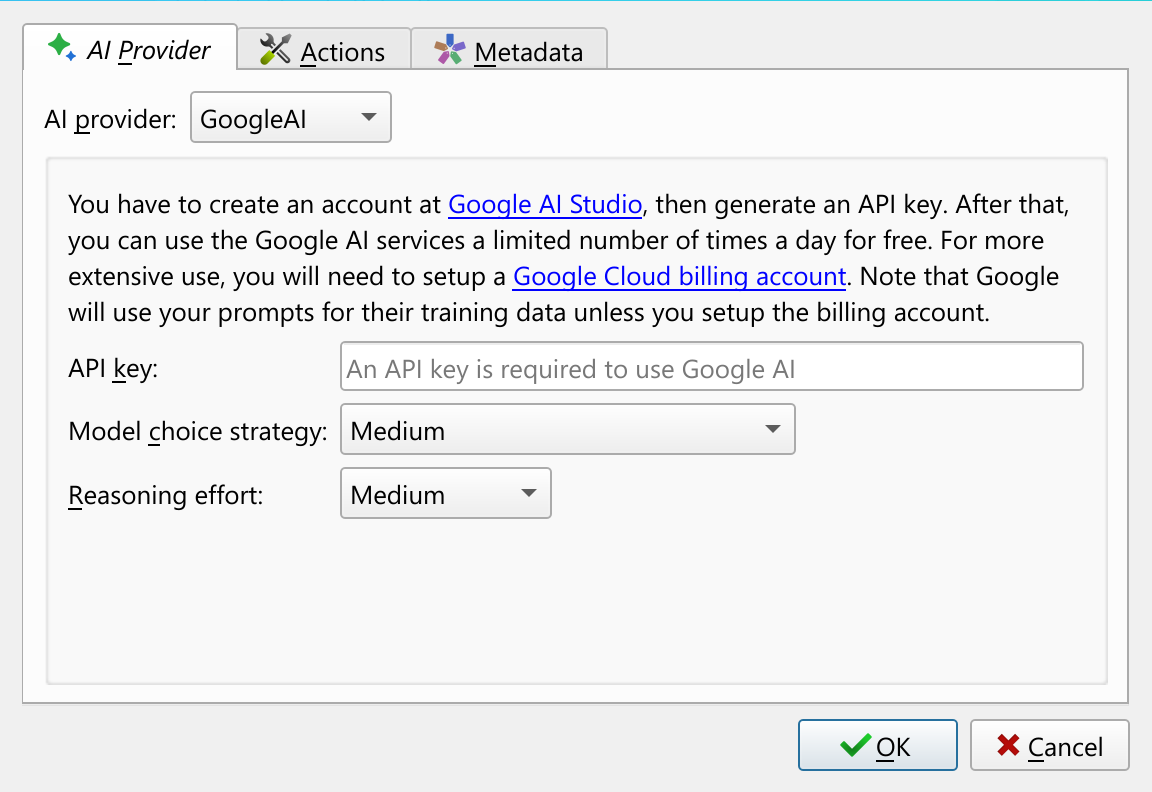
calibreのすべてのAI機能は完全にオプトインです。AI関連のコードをcalibreにロードする前に、まずAIプロバイダーを設定する必要があります。calibreは、クラウドベースとローカルのみのAIプロバイダーの両方をサポートしています。AI機能を初めて使用しようとすると、AIプロバイダーとモデルを設定するように求められます。
-
AIと本を読みながら議論する
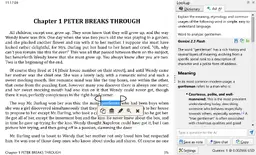
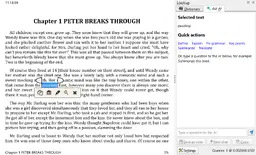
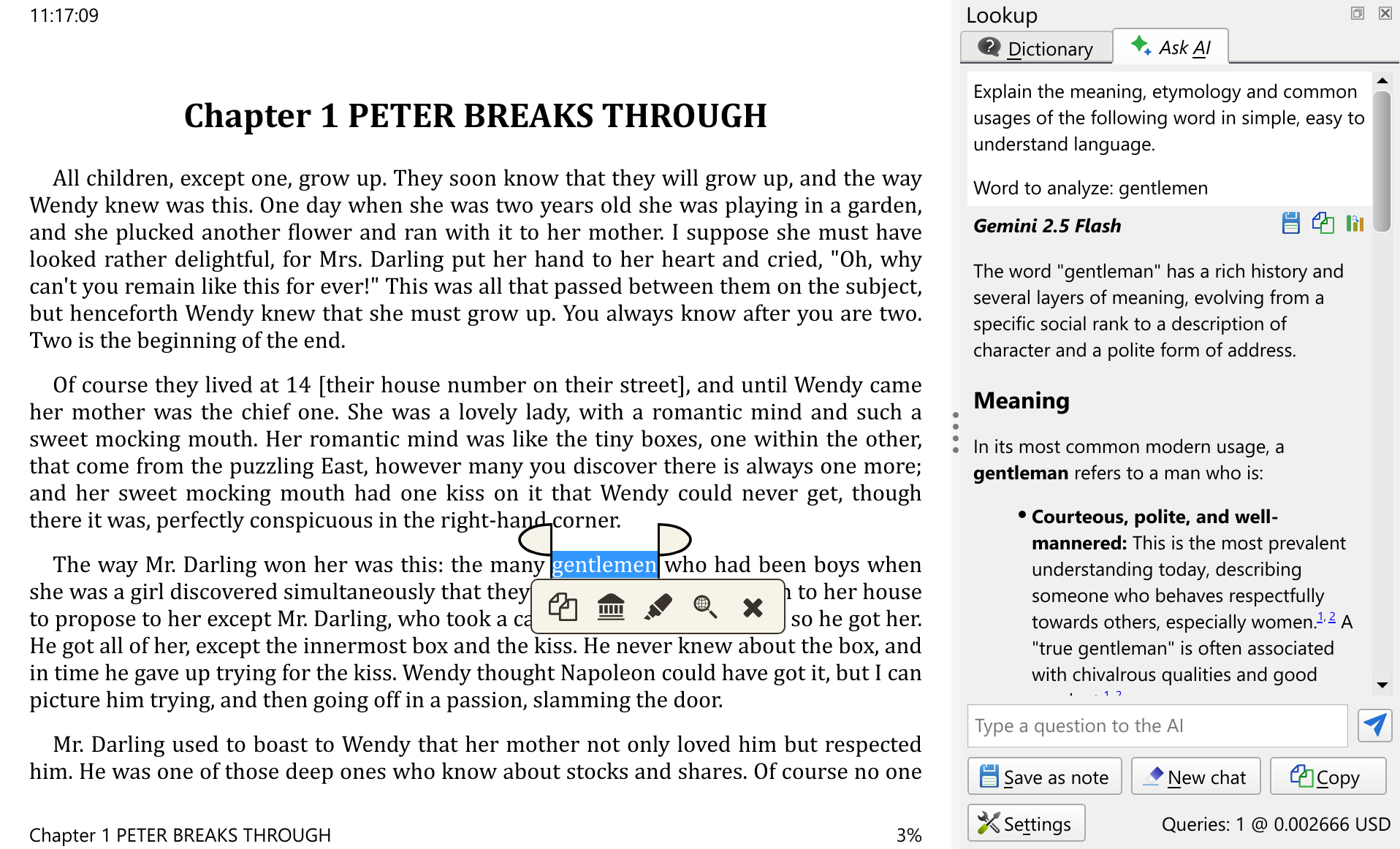
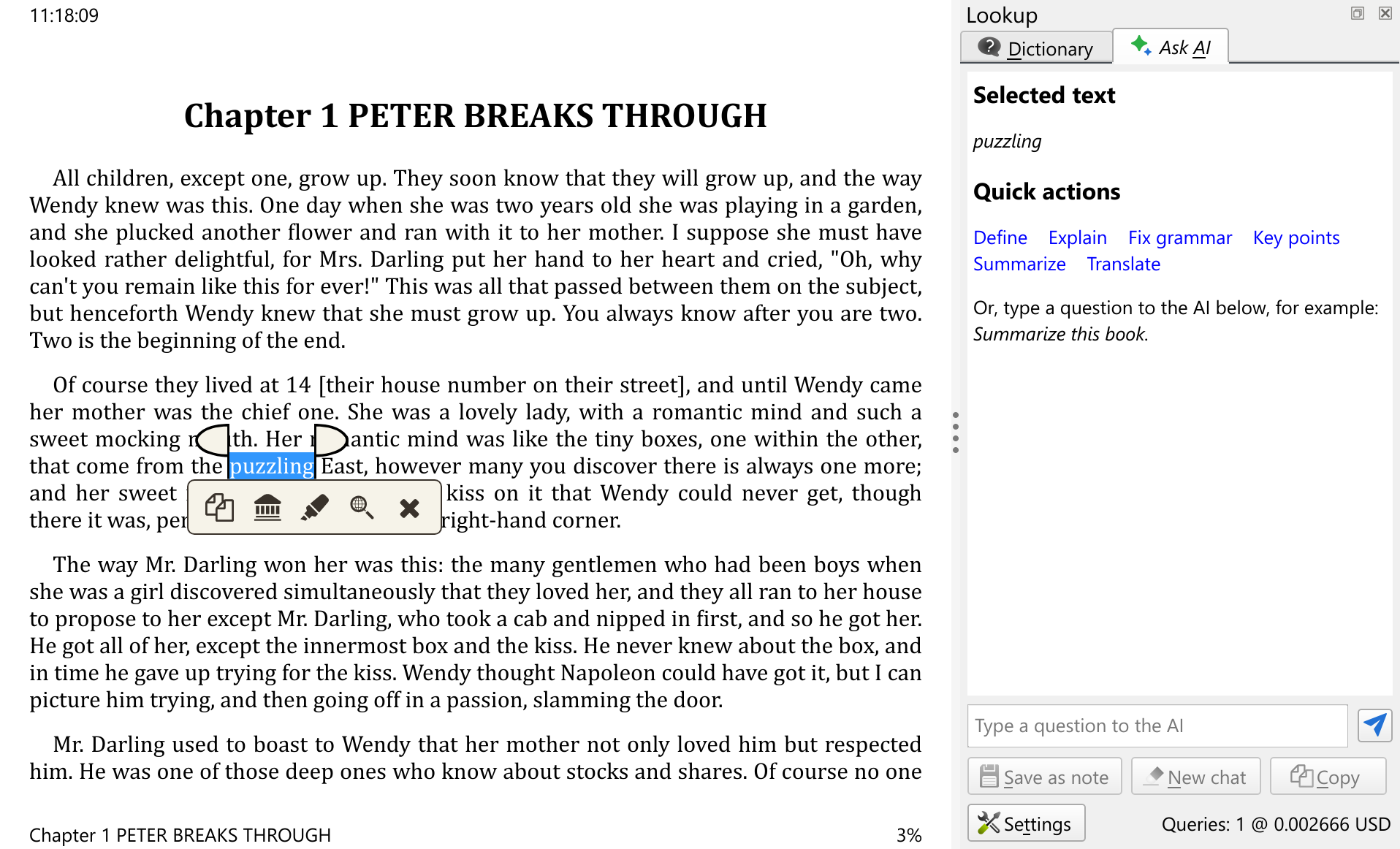
上記の本に関するAI機能に加え、calibre電子書籍ビューアにはAI統合機能も搭載されています。 ビューア内でテキストを選択すると、現在読んでいる本の文脈に沿って、AIにそのテキストについて質問することができます。 これは、難しい単語や概念の説明、翻訳の依頼、長い文章の要約などに役立ちます。
電子書籍ビューアでこの機能を使用するには、テキストを選択し、ポップアップツールバーの検索ボタンをクリックするだけです。 AIに質問タブを使用して、選択したテキストについてAIに質問します。
今こそ、エネルギーと熱意を惜しみなく注いでくれた calibre コミュニティの皆さんに、心からの感謝を申し上げるに相応しい時です。皆さんの貢献がなければ、上記の機能の多くは日の光を見なかったでしょう。
これらの機能の多くは、実際には8.xシリーズの途中で導入されたものであることに注意してください。このドキュメントでは、8.0と比較して新しい機能について説明します。
以前の主要なcalibre リリースの新機能をご覧ください: 8.0, 7.0, 6.0, 5.0, 4.0, 3.0, 2.0, 1.0, 0.9, 0.8, 0.7.
 決済サービスプロバイダと通信中です。しばらくお待ちください…